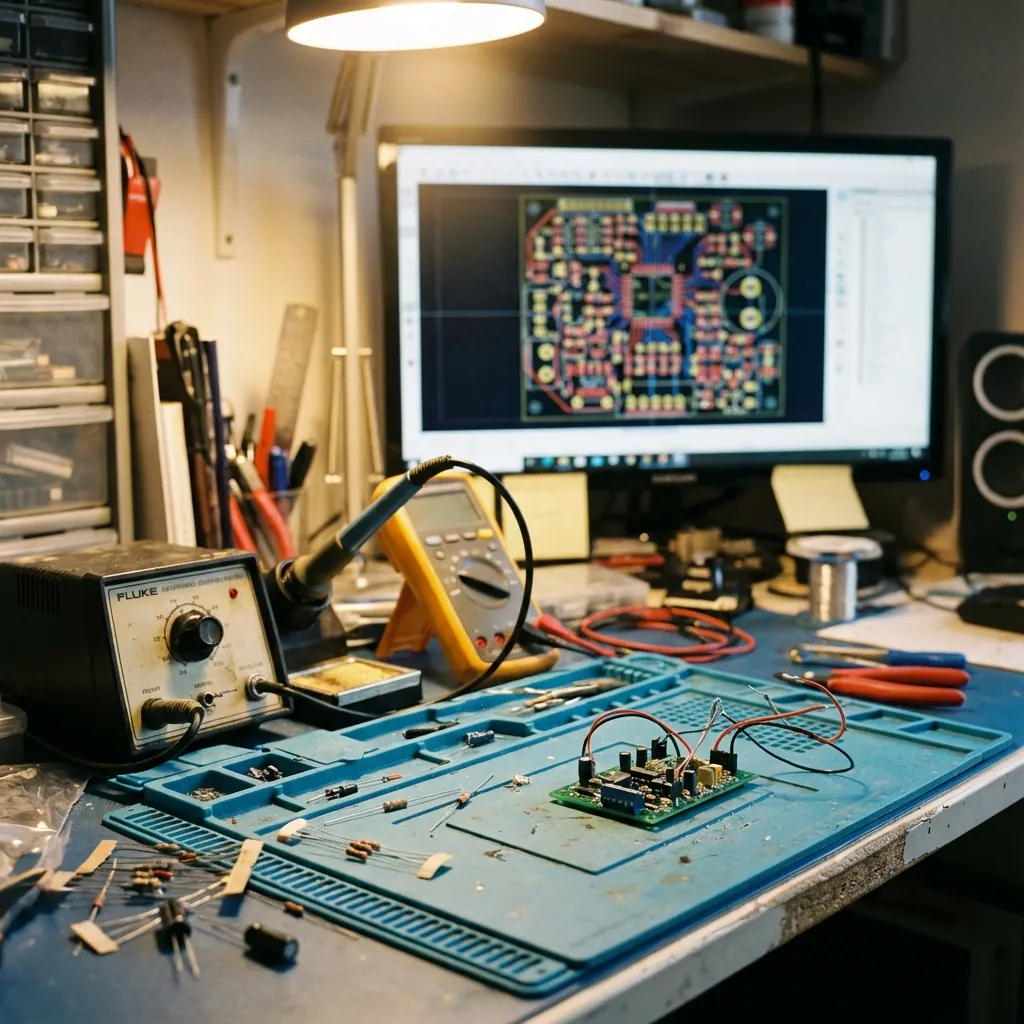
As an electronic engineer, I live in two worlds. By day, I’m surrounded by the comfort of industry-standard tools: Altium Designer for PCBs and Autodesk Inventor for mechanical design. Everything just works. The integration is seamless, the libraries are vast, and the “quirks” are documented features we’ve all learned to live with.
But when I clock out and switch to my personal R&D projects, I hit a wall. A very expensive, paywalled wall.
The Professional Privilege
Let’s talk numbers. To replicate my work environment at home, I’d be looking at:
- Altium Designer: ~$4,000+ per year (subscription).
- Autodesk Inventor: ~$2,500+ per year.
- SolidWorks: Thousands per year for a commercial license.
For a hobbyist or a maker trying to prototype a new idea, this is simply impossible. We aren’t generating revenue yet; we’re burning cash on components, PCBs, and 3D printer filament.
The “Maker” License Trap
“But wait,” I hear you say, “what about Maker licenses?”
Sure, SolidWorks for Makers exists (~$48/year), but it comes with a catch—several, actually. It’s often plagued by:
- Cloud-tethering: The 3DEXPERIENCE platform can be a nightmare of connectivity issues.
- File Incompatibility: You can’t open your “Maker” files in a commercial version later if your idea takes off.
- DRM Headaches: It feels like you’re renting your own skills.
Altium’s CircuitMaker is free but forces your projects into the cloud, limiting privacy and control. There is no true “middle ground” for the serious engineer who wants professional control without the enterprise price tag.
The Open Source Reality: KiCad & FreeCAD
So, like many of you, I’ve turned to the open-source heroes: KiCad and FreeCAD.
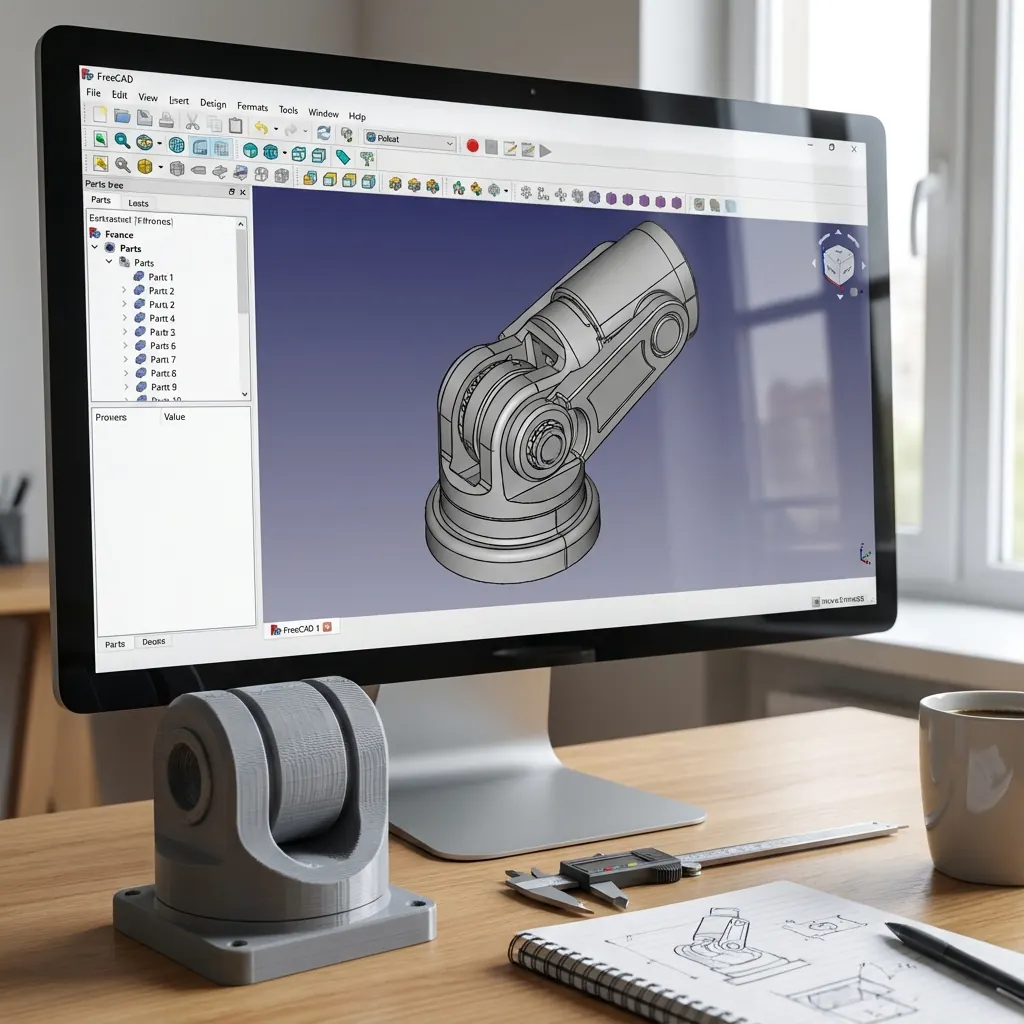 The reality of the maker workflow: Designing in open-source tools and bringing it to life.
I recently finished Udemy courses for both, determined to master the “free” stack. Here is my honest take.
KiCad: The Hero We Need
KiCad (especially v8) is genuinely closing the gap.
- The Good: It’s stable, powerful, and the push-and-shove router is fantastic. The community plugins are incredible.
- The Bad: It still lacks the polish of Altium’s unified ecosystem. Library management can be a chore compared to Altium’s Manufacturer Part Search.
- Verdict: For 95% of hobbyist PCBs, KiCad is a victory. It’s the one tool where I don’t feel like I’m making a massive compromise.
FreeCAD 1.0: The “It’s Complicated” Relationship
FreeCAD has reached the legendary version 1.0, and it has solved the infamous “topological naming problem” (where changing one sketch breaks your entire model).
- The Good: It’s truly free. No cloud, no subscription, you own your data.
- The Bad: The learning curve is a cliff. Coming from Inventor, the workflow feels fragmented. You have to constantly switch “Workbenches” (Part Design, Sketcher, Draft) in a way that feels disjointed.
- The Reality: It works, but you pay with time. Simple fillets or assembly mates that take seconds in Inventor can become a research project in FreeCAD.
The “Time Tax”
This is the crux of my rant. The cost of hardware R&D isn’t just money; it’s time.
If you pay for Altium/Inventor, you pay with money to save time. If you use KiCad/FreeCAD, you pay with time to save money.
For a professional engineer trying to side-hustle, that “time tax” is painful. We know how fast we could be moving, but we’re stuck fighting the UI or googling workarounds for features that should be one click away.
Conclusion
I’m sticking with the open-source stack for now because I believe in owning my tools and my data. KiCad is already there, and FreeCAD is getting better every day. But let’s not pretend the gap doesn’t exist.
To all the makers out there building amazing things with free tools: I salute you. You’re doing it on “Hard Mode.”
What’s your experience? Have you found a workflow that bridges the gap? Let me know in the comments below!
Comments are powered by GitHub Discussions.